September 14, 2026
Reading time: 6 minutes
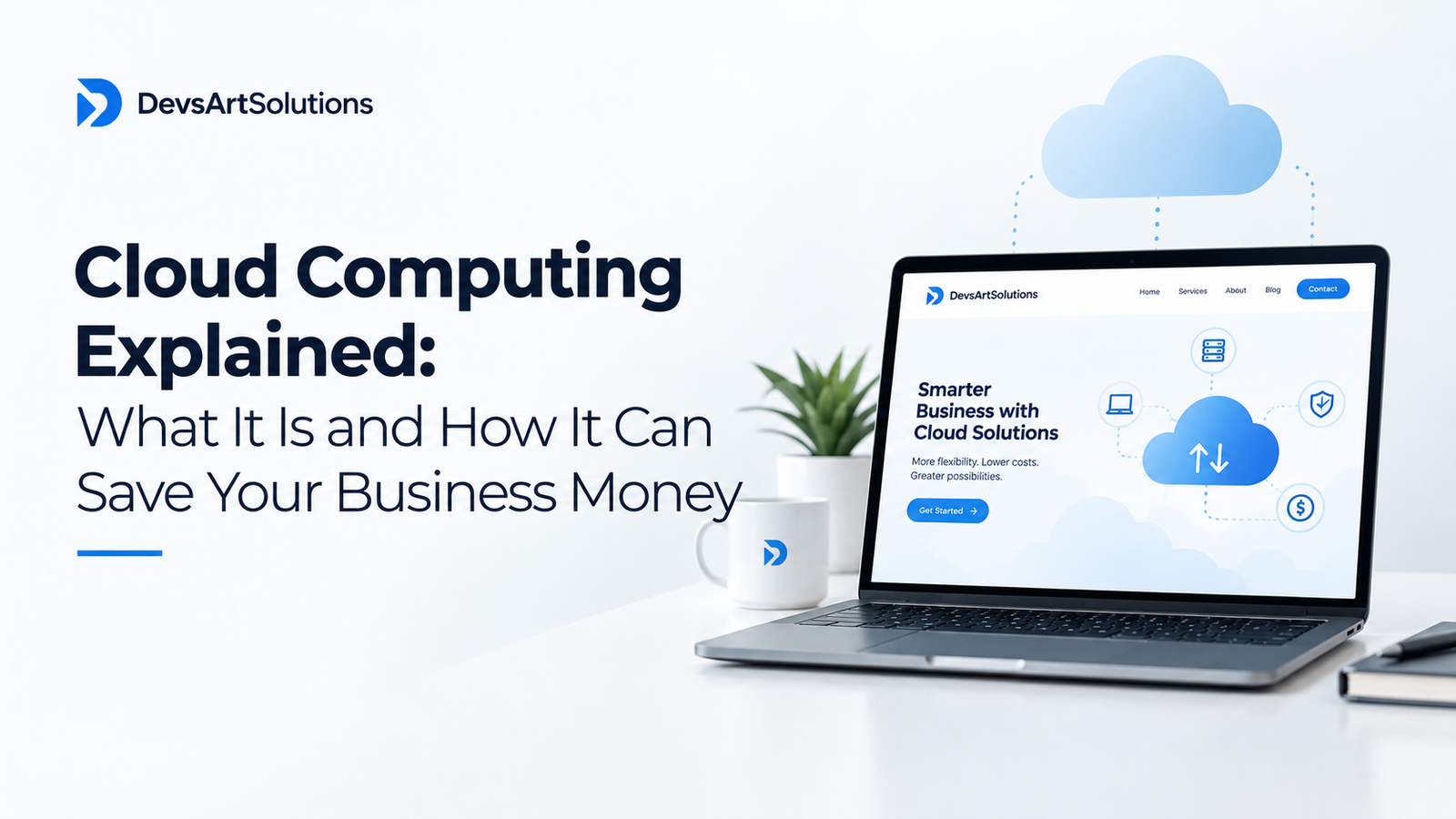
Cloud computing is one of those terms that gets thrown around constantly in business technology conversations — but for many business owners, it remains frustratingly vague. What does “the cloud” actually mean? Why does everyone say you should move to it? And most importantly, what will it do for your business?
In this post, we are going to cut through the jargon and give you a clear, practical understanding of cloud computing — what it is, how it works, and why it might be one of the best investments your business can make.
Let us start with the basics. Cloud computing means accessing computing resources — servers, storage, databases, software, and more — over the internet, rather than running them on physical hardware in your office or building.
Before cloud computing, if your business needed a server to run your website or store your data, you had to buy that server, install it in your office or a data centre, maintain it, upgrade it, and replace it when it became outdated. This was expensive, time-consuming, and required specialist technical knowledge.
Cloud computing changes all of that. Instead of owning the hardware, you rent computing power from a provider — companies like Amazon Web Services (AWS), Microsoft Azure, or Google Cloud. You access it over the internet, pay only for what you use, and the provider handles all the maintenance, security, and upgrades.
It is the difference between owning a generator and plugging into the electricity grid. You get the power you need, when you need it, without the hassle of managing the infrastructure yourself.
There are three main types of cloud computing services:
Infrastructure as a Service (IaaS) — virtual servers, storage, and networking. You rent the infrastructure and manage the software yourself. Best for businesses with technical teams who want flexibility and control.
Platform as a Service (PaaS) — a platform for developers to build, test, and deploy applications without managing the underlying infrastructure. Best for software development teams.
Software as a Service (SaaS) — complete software applications delivered over the internet. Examples include Microsoft 365, Google Workspace, Salesforce, and Zoom. Best for businesses that want ready-to-use software without installation or maintenance.
Most businesses use a combination of all three without even realising it.
Traditional IT infrastructure requires significant capital investment — servers, networking equipment, storage systems, and the facilities to house them. These costs can run into millions of rupees for growing businesses.
Cloud computing eliminates these upfront costs entirely. You pay a monthly or usage-based fee instead of a large capital expense. This frees up capital for other investments in your business.
One of the most powerful aspects of cloud computing is its scalability. Need more computing power during your peak sales season? Scale up. Quiet period? Scale back down. You pay only for what you actually use.
This is fundamentally different from owning hardware, where you have to buy for peak capacity and pay for that hardware whether you are using it or not.
Managing physical servers requires dedicated IT staff — or expensive external contractors. Servers need to be monitored, updated, patched, backed up, and eventually replaced. All of this has a cost.
With cloud computing, the provider handles all of this. Your IT team can focus on strategic work that adds business value rather than routine maintenance.
Cloud software updates automatically, ensuring your business always has access to the latest features, security patches, and performance improvements — without any additional cost or effort from your team.
Data loss — through hardware failure, theft, fire, or human error — can be catastrophic for a business. Cloud providers invest heavily in redundancy and backup systems that would be prohibitively expensive for most businesses to replicate on their own.
Your data in the cloud is typically more secure and more reliably backed up than data stored on local hardware.
Cloud-based systems are accessible from any device, anywhere in the world, with an internet connection. For businesses with remote teams, multiple offices, or staff who travel — like many of our clients at Devsart Solutions — this is invaluable.
Cloud platforms give your development teams access to cutting-edge tools and services — AI and machine learning capabilities, big data analytics, IoT platforms — that would be impossible to build in-house. This enables faster innovation and experimentation.
Cloud-based productivity tools make it easy for teams to collaborate in real time, share documents, and communicate effectively — regardless of where they are located.
Natural disasters, power outages, hardware failures — any of these can bring a business with on-premise infrastructure to a standstill. Cloud-based systems are hosted in multiple locations, meaning your business can continue operating even if one location is affected.
For the vast majority of businesses — yes. The question is not whether to move to the cloud, but how and when.
Some considerations:
Moving to the cloud is not just a technical decision — it is a strategic one. At Devsart Solutions, we help businesses navigate their cloud journey from start to finish.
We assess your current infrastructure, identify the best cloud strategy for your specific needs and budget, manage the migration process, and provide ongoing support to ensure you are getting the maximum value from your cloud investment.
Whether you are just starting to explore cloud computing or looking to optimise an existing cloud environment, our team has the expertise to help. Get in touch today for a free consultation and let us show you what the cloud can do for your business.